How to go from 0 to 1,000 subscribers on Substack: 101 guide
Get a tested email newsletter workflow, pro tips on Substack growth, viral examples to follow, and special offers on tools that will make your growth easier.
This article contains affiliate links. If you purchase a tool through them, we may earn a commission — at no extra cost to you. It never influences our rankings or what we recommend.
Why most Substacks die before hitting 100 subs
Most Substack newsletters don't reach their 10th issue. Random publishing time, no clear system, lack of cross-promotion on other channels — these are just some of the reasons many writers give up before hitting their first 100 subscribers.
At a 100 subs, the recommendations algorithm finally starts to work, you have enough signal to know if your niche is right, and where you start thinking about monetization. This guide is the system to get you there without giving up halfway.
01. Set up your profile like a landing page
Your profile has one job: answer "is this for me?" in under 10 seconds.
Good writing and design matter here. No matter how good your content is, if your header is blurry and you don’t have a real profile pic, the reader gets spooked. And vice versa, if your Substack is over-designed with pro-level headshots, but the actual writing is full of AI cliches, people clock that in an instant.
We’ll talk about good content further – now, let’s focus on the bare-minimal setup to look legit to your readers.
Specs | Pro tip | |
|---|---|---|
| Logo | At least 256 x 256 px with a transparent background. | Mind that it will appear quite small in multiple locations, so simple and readable design is key. |
| Email banners | 1100 x 220 px with a transparent background. | Could be taller. |
| Cover image | 600 x 600 px or more. | The go-to place for creative visual branding. Be creative. |
| Social and post preview image | 1456 x 1048 px, with 14:10 aspect ratio for the preview images. | 420 x 300 px is the minimum. |
| About page | Lead with your reader, not yourself. | “For independent filmmakers who want to build an audience without a distributor” converts better than “Hi, I'm Jake and I love film.” |
If you’re on Substack, you’re likely a writer, not a designer or visual guru. And you don’t need to be (or blow your budget on a designer), at least at the beginning. As long as you have a readable logo, images are not blurry, and coherent color scheme that’s not neon (unless that’s your thing), that already communicates to your reader that you know your stuff.
Simple and straightforward tools like Canva help with that: there are dozens of templates you can reuse, and no design skills are needed to jump straight in. If you don’t have an account yet, the trial is free, the learning curve is very easy, and the assets are free to use for commercial purposes.
Most importantly, you don’t have to think about the dimensions and technicalities of your design — focus on the big picture (no pun intended) instead. Simply find the template you like, customize as much as you want, and export. Your Substack visual identity — done.
Dead-simple design tool for every creator, with templates for every occasion.
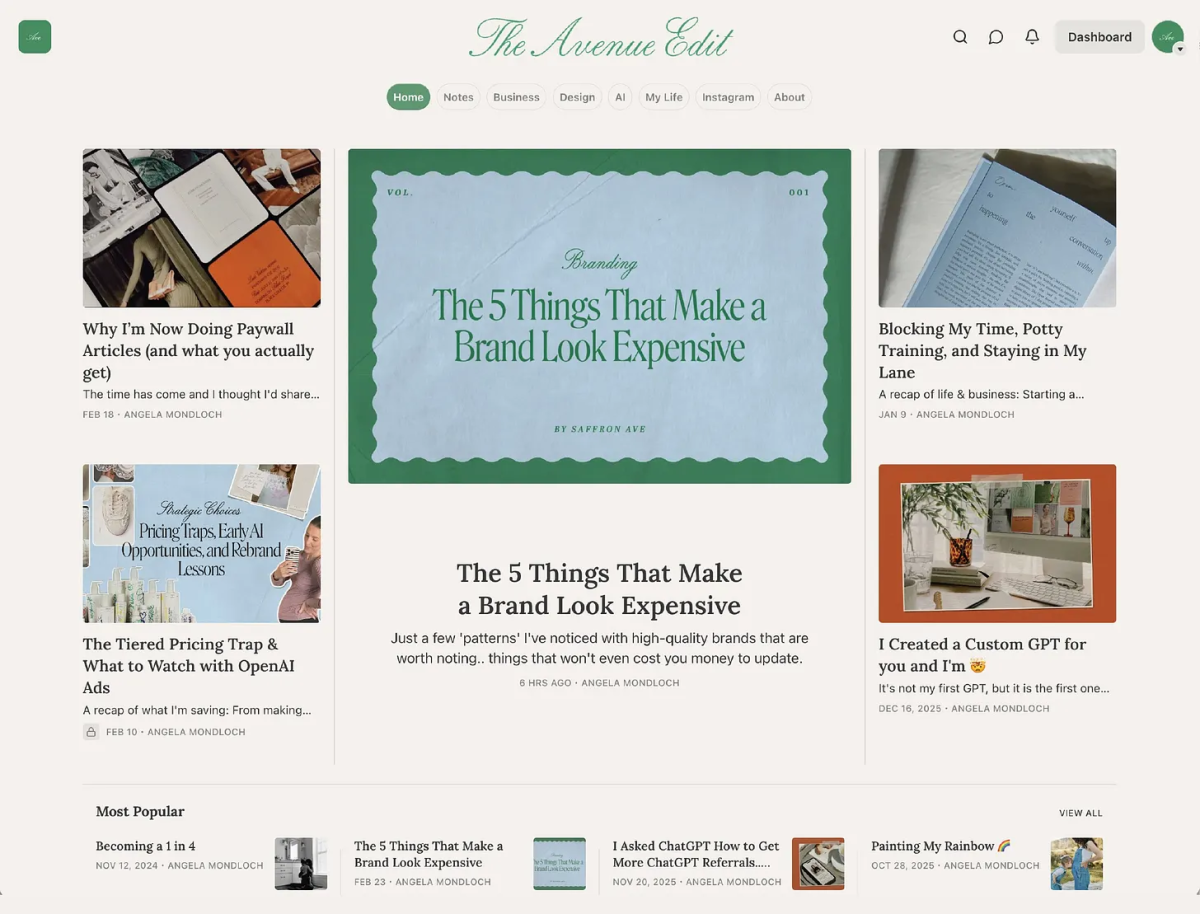
Need inspo? Angela Mondloch, a brand designer for 15 years and fellow Substacker, compiled a killer list of Substack creators with impeccable style. Check out some examples:
-content.png)
-content.png)
Image credits: By Angela Mondloch
02. Cover the basics: Substack Notes & Welcome email
Design done. Now the three things most new Substackers skip, and all cost you subscribers.
Start Notes before your first issue goes out
Notes is Substack's internal social feed: short posts, reactions, reshares, comments. It's the primary way new readers discover newsletters they've never heard of. Most creators get to it once they've built an audience. The ones who grow fastest use it as the engine from day one.
Substack recently introduced native scheduling for Notes: you can queue posts, but there’re limited analytics and automations.
Writestack fills those gaps. It schedules your Notes with more flexibility than Substack's native tool, shows you which Notes are driving subscriber conversions versus just engagement, and has a personalized AI note generator that learns your writing style so suggestions sound like you, not a chatbot.
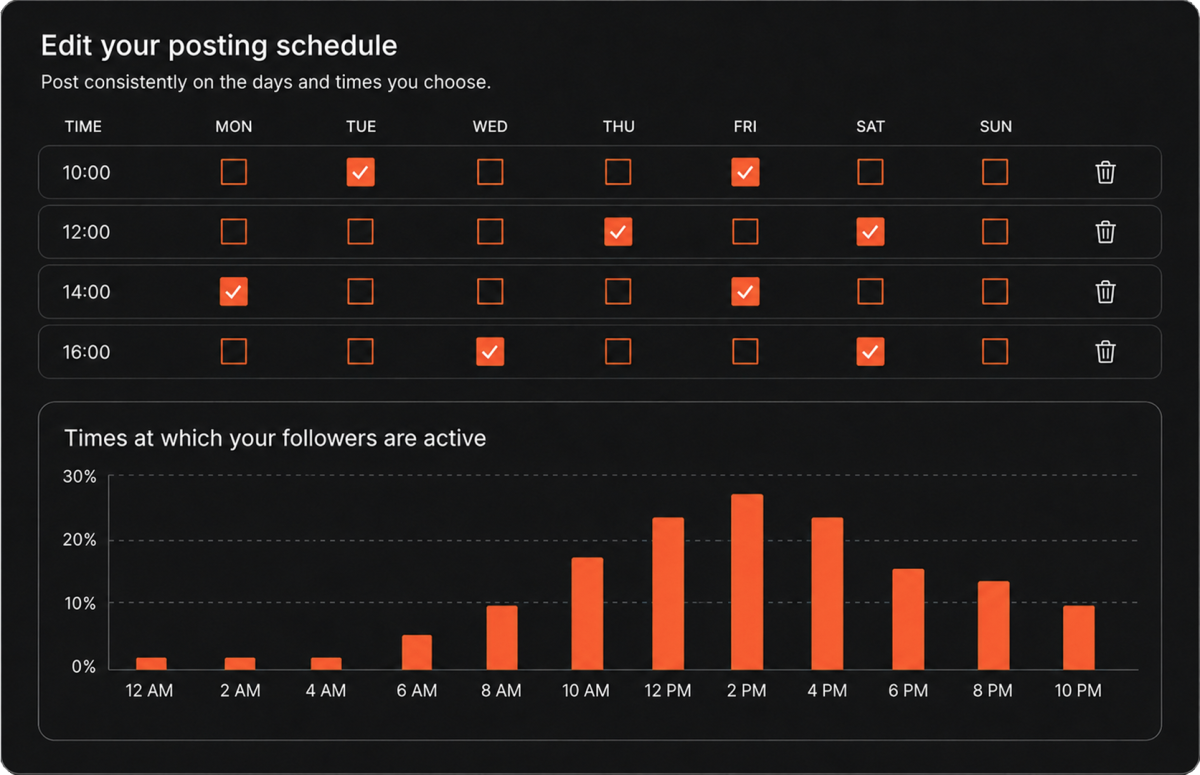
Pro tip: Writestack has an Inspiration page that surfaces the best-performing Notes in your niche. Use it before you write: it shows you what your target audience actually responds to before you spend time on it.
Set up a week's worth of Notes in one sitting. Let Writestack handle the timing. Then go write your newsletter.
Schedule Notes at peak times, track conversions, and automate community engagement.
Curate your Welcome email
It's the highest-open-rate email you will ever send: typically 50-70%, compared to 30-40% for regular issues. Most people set it up as an afterthought once they already have subscribers. By then, hundreds of people have already received nothing.
Here’s an example of a Welcome email by CJ Gustafson that Substack's own guide uses it as an example of an informal welcome email that works well and converts:
-content.png)
Follow this example and write yours like a short personal note, around 200 words (yes, our attention span is this bad), following this blueprint:
One paragraph about who you are.
One paragraph about what they signed up for and when to expect it.
End with a specific ask — reply with their biggest struggle related to your niche, or click through to the post you most want them to read first.
Start with 3 short reads
Don't invite people to an empty room.
Before you share your Substack link anywhere, publish at least three posts. First-time visitors need something to read to decide if they want to stick around.
Three formats that work for new accounts, with viral examples:
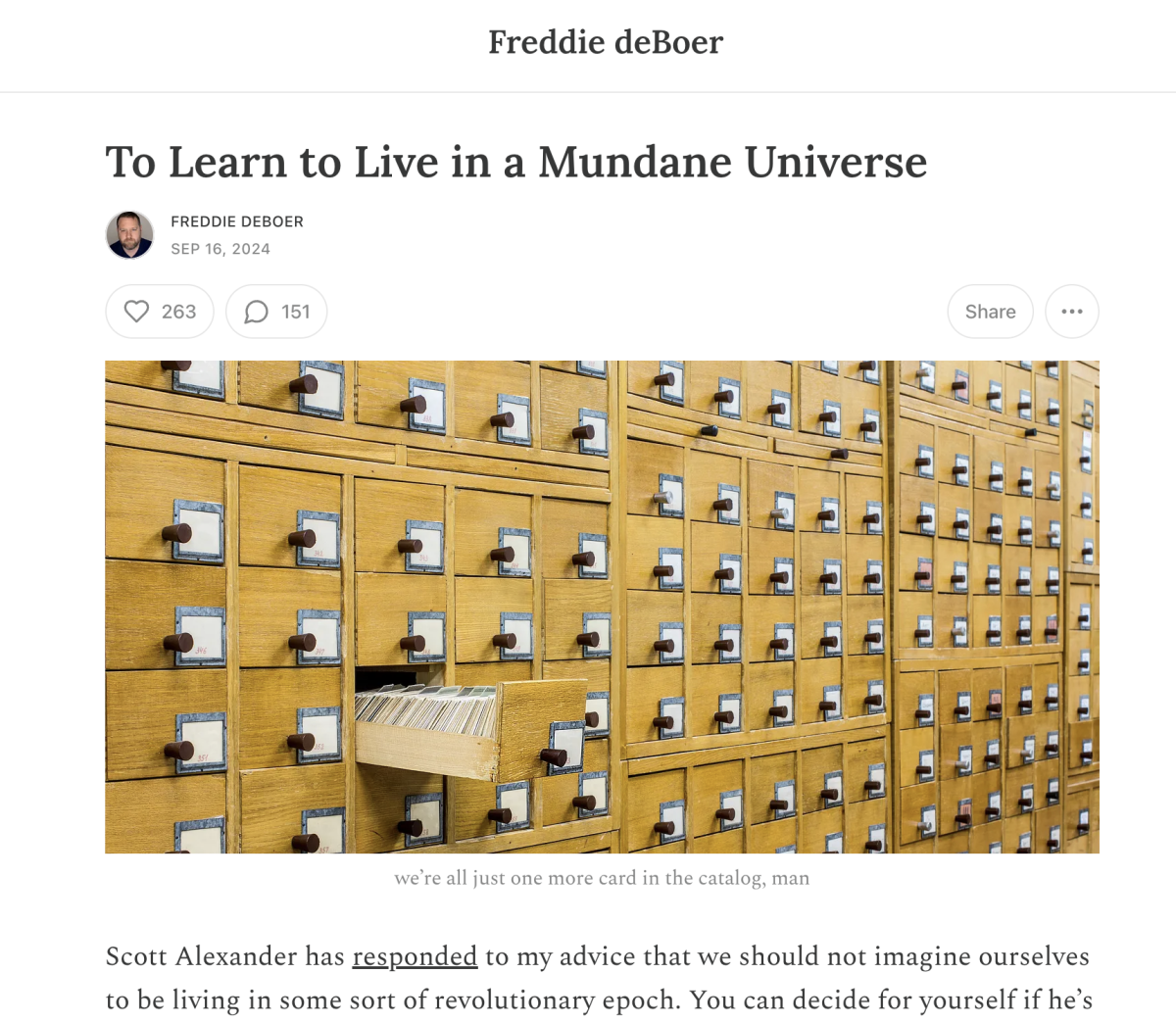
An opinion piece: a clear argument your reader has probably thought but never seen articulated. Disagree with something popular in your niche and provoke comments. Example: To Learn to Live in a Mundane Universe by Freddie deBoer.
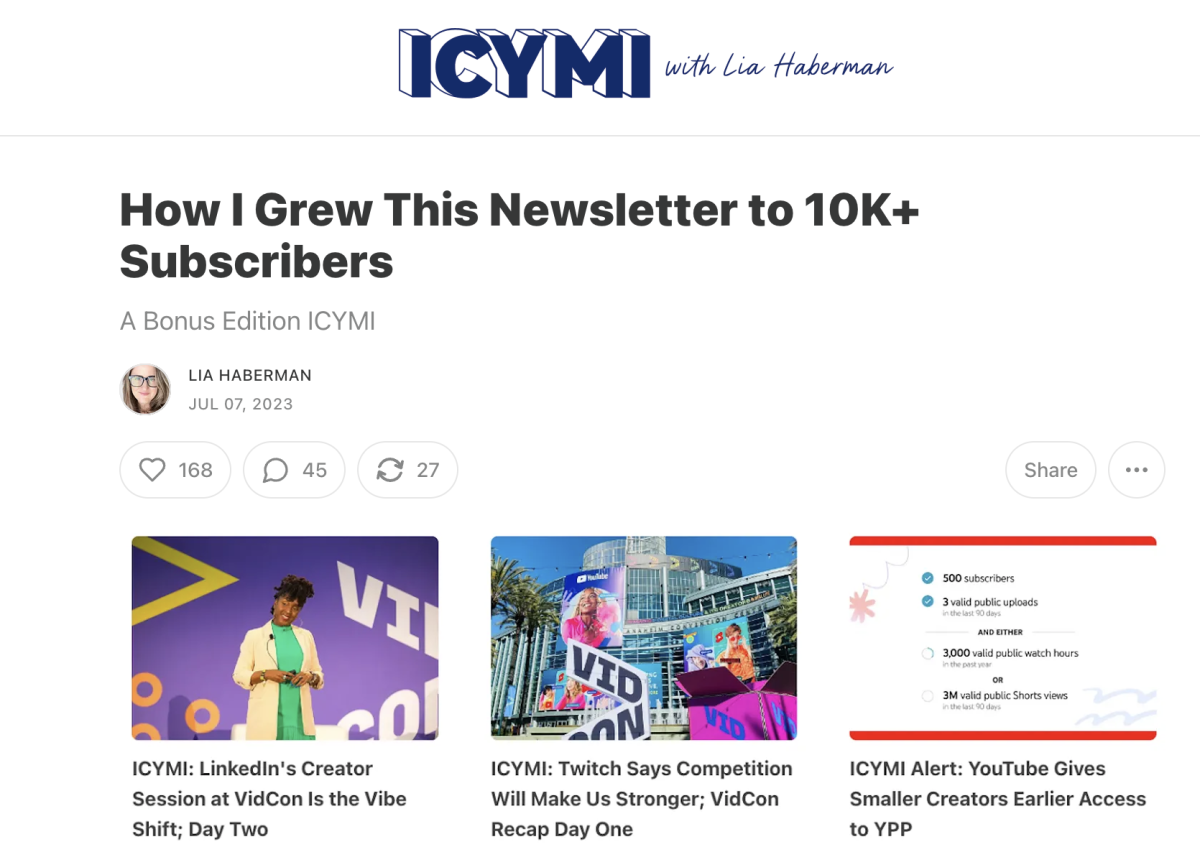
The practical how-to: a step-by-step process for a problem your reader faces regularly. Specific beats generic every time. Example: How I Grew This Newsletter to 10K+ Subscribers by Lia Haberman.
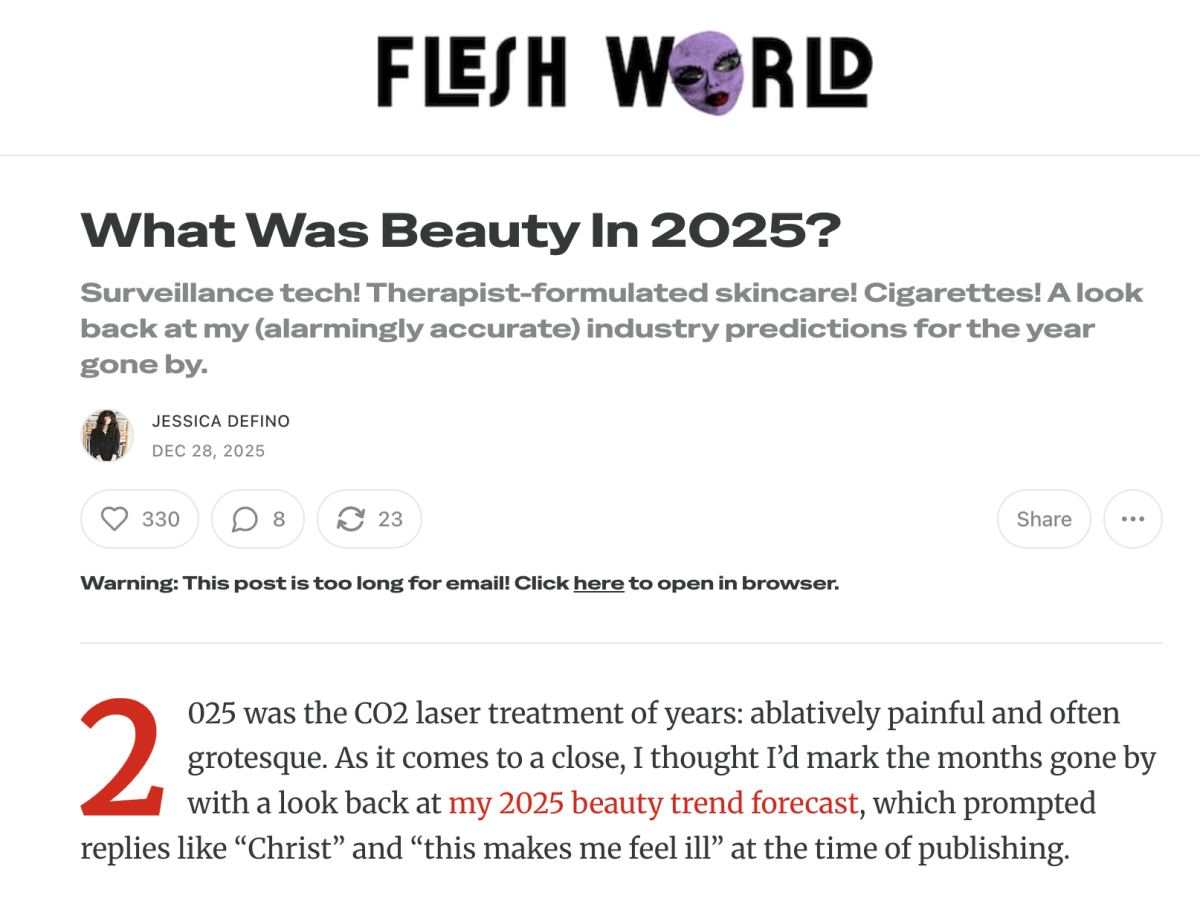
The curated list with commentary: not just links or events, but your actual opinion on each. Example: What was beauty in 2025? by Jessica DeFino.
Aim for 600-900 words per post to start. Long enough to show depth, short enough to finish in one sitting.
Pro tip: Add a subscribe CTA mid-way through every post, not just at the end, where engagement has already dropped.
03. Build a publishing system
In 90% of all cases, Substack is not where people find you. It's where they end up after they already trust you. Think of it as the high-intent end of your funnel — the place someone goes when they've seen you enough times elsewhere and decided you're worth their inbox.
That means your job isn't just to publish consistently on Substack. It's to consistently show up in the places your future subscribers already are.
The good news: one newsletter issue is enough raw material to fuel an entire week of content on other platforms. A 700-word post can become a LinkedIn observation, a Reddit comment with a link, two or three Substack Notes, and a short-form hook on X. You're redistributing what you already wrote to audiences who haven't seen it yet.
A simple weekly schedule that doesn't require a team:
Action | Time spent with tools | |
|---|---|---|
| Monday | Publish your newsletter | 5 min. |
| Tuesday | Post one LinkedIn or X thread pulling a key insight from it | 30 min. |
| Wednesday | Drop a Note — a short observation related to the issue | 15 min. |
| Thursday | Find one relevant Reddit thread or community and add a genuine comment with a link | 20 min. |
| Friday | Repost or restack the Note, or share a reader reply that continues the conversation | 5 min. |
But posting all of this manually just isn’t realistic — you’ll burn out in the second month. Metricool solves this. Write your LinkedIn post, Reddit thread, and scheduled tweets in a single session, set the times, and don't think about it again until next Monday.
Plan, schedule, measure, and manage all promo content in one tool.
It tracks what's actually driving clicks to your Substack versus what's just getting seen: a distinction that matters when you're trying to figure out which platform to double down on.
The free plan is enough to get started. The paid tier is where cross-platform analytics become useful.
04. Your first 100 subscribers: Do things that don't scale
The algorithm will not boost you at zero. Your first 100 come from you, manually, doing things that feel slow and don't feel like marketing.
Start with the people who already know you. Substack lets you import contacts from Gmail and other address books — even a 2% conversion rate on 500 contacts puts 10 subscribers on the board before you've written a single promotional post. That's not nothing when you're starting from zero.
Then go where your reader already is — not everywhere, just two places. Find the right subreddit for your topic and post your best piece there. Post on LinkedIn if that's where your reader works. One quality post per platform, with a direct link and a clear reason why it's worth their time.
DM 10 people individually. Not a mass message, actual one-to-one outreach: "I wrote something about [specific topic] and thought of you because [specific reason]." The specificity is what gets it read. Generic asks get ignored.
Finally, turn on Recommendations from day one. You don't need a large list for this to work. Even one other writer recommending you sends subscribers your way automatically, indefinitely, and that compounds faster than anything else on this list.
05. Grow with community
The creators who grow fastest on Substack participate. The platform runs on reciprocity, and the writers who invest in others early are the ones who benefit most when they need it.
Reference and recommend other writers publicly. Quote a post you found useful. Mention a newsletter worth following. Tag the author. It adds value for your readers and puts you on the radar of the writer you mentioned — who now has every reason to return the favour.
Show up in other people's comments. Find 5-10 newsletters in your niche that are slightly bigger than yours and read every issue. Leave a real comment — not "great post!", but a specific reaction that extends the conversation. Readers of that newsletter see your name repeatedly. Some will click through.
Support writers before you need them to support you. Recommend newsletters you genuinely rate. Reshare Notes that deserve more reach. Reply to DMs. Be a real participant. The reciprocity comes, but not if you're only showing up when you want something.
Guest posting works in both directions. Pitch a piece to a newsletter slightly bigger than yours: offer something specific and useful to their audience, not a self-promotional intro. And invite writers to guest post in yours. Both build credibility and expose each newsletter to a new audience.
For finding writers to collaborate with, StackBuddy Collaborations is the most useful free tool available. It's a directory where Substack writers list what they're open to: guest posts, podcast appearances, recommendation swaps, cross-promos.
Filter by niche and collaboration type, reach out to writers who are explicitly looking for what you're offering. It's free, and it's where a lot of real newsletter partnerships start.
06. From 500 subscribers: when to think about your platform
Substack is an excellent starting point. It's not always the best long-term destination.
At around 500 subscribers, start thinking about monetization. Substack takes 10% of all paid subscription revenue. It gives you open rates and subscriber count, and almost nothing else.
Beehiiv is the platform most worth understanding at this stage. The free plan supports up to 2,500 subscribers with zero revenue share. It has a built-in ad network that pays you per impression — no paid subscribers required — plus native referral programs and detailed click-level analytics.
Pro tip: If you're planning to monetise, run the numbers: what does 1,000 subscribers generating $5/month look like on Substack versus Beehiiv?
The all-in-one newsletter platform built for growth: built-in ads, referral engine, website, and the cleanest editor.
This isn't an argument to leave Substack. Its internal Recommendations ecosystem is genuinely one of the most powerful organic growth tools available to newsletter creators right now, and abandoning it too early costs you subscribers. The question is what serves you better once you're past the 1,000 milestone and ready to turn readers into revenue.
With 5+ years in the creator, entertainment, and publishing spaces, Mia shortlists, reviews, and ranks leading tools that actually make your life easier.