.jpg)
How to build a content plan that never runs out of ideas (for free)
Stuck at a blank page? Here's the exact system solo creators use to generate ideas on demand, plus the tools that make it easier.
This article contains affiliate links. If you purchase a tool through them, we may earn a commission — at no extra cost to you. It never influences our rankings or what we recommend.
Every successful creator has an idea system you can't see. The writer with a new post every week. The YouTuber who never seems to run dry. The influencer who always has something to say. None of that is luck, and none of it is talent. It's a workflow, built early, run on repeat.
You don't need to be big to need one. You need it because you're starting out. Here's how to build your own content plan that never runs out of ideas, for free.
00. Build your content pillars
Before you need ideas, you need categories for ideas.
There’s only so many ideas you can pull out of thin air before running out. You need a system, and this is the foundation. This is the step everyone skips, and it's the reason your content feels random.
A pillar is just a recurring theme. You only need 3 to 4 themes max, do not go over this number. Too much means you have no focus.
But be specific. Not “lifestyle” (too vague to be useful) and not 50 micro-topics (too many to remember). Think: “beginner mistakes,” “behind the scenes,” “tool breakdowns.”
The fastest way to find real pillars is to see what your audience is already asking (and struggling with). Not what you think they want. What they're actually typing into Google and Reddit.
Semrush: The best free tool for content research
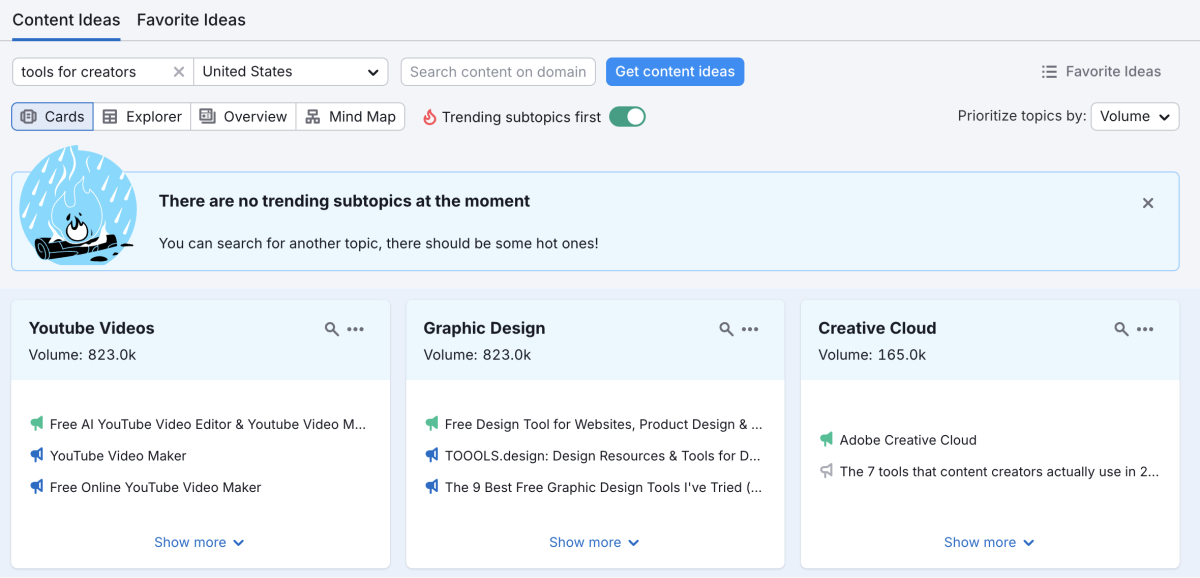
Type in your niche, get the actual questions and subtopics your audience is searching.
That's where a research tool earns its spot in your stack. We used Semrush's Topic Research tool for this. You type in your general niche, and it pulls the actual subtopics and questions people are searching, which becomes your pillar instantly.

You don't need to use Semrush daily for this. Run it once when you're setting pillars, then again every few months to check if your audience's questions have changed. One session, reusable for weeks.
Semrush is a full-scale marketing tool. For most solo creators, this is way too much, plus the paid tiers are super expensive. But don’t let that scare you!
👉 Use the 7-day free trial for your initial research (or just stick to a free tier).
Come back to it when you actually need the complexity.
01. Generate ideas (and keep them somewhere)
Once you have pillars, you need a way to turn them into 10 actual post ideas. The main caveat here that many forget is storing them. Find an app for your ideas so they don't live in your Notes app, forgotten forever.
Two tools do this well, and they do it differently. Pick based on how you already work:
ContentStudio: The best Discovery engine
Find trending topics in your niche and turns them into post ideas with AI.
ContentStudio is for creators who want the tool to go find ideas for them. Its Discovery Engine scans what's trending in your niche and its AI assistant turns that into ready-to-use post angles. Good if you're starting from zero and need a push.
Buffer: The best tool for content ideas and publishing
The simplest, most reliable scheduler and idea generator with the best free plan for solo creators.
You already know Buffer as a scheduler (see our full Buffer review), but in 2026, it expanded into a full-scale ideation, creation, and publishing tool. What we liked is the helpful ideas generator, many templates to get your brainstorm going, plus a way to store them centrally.
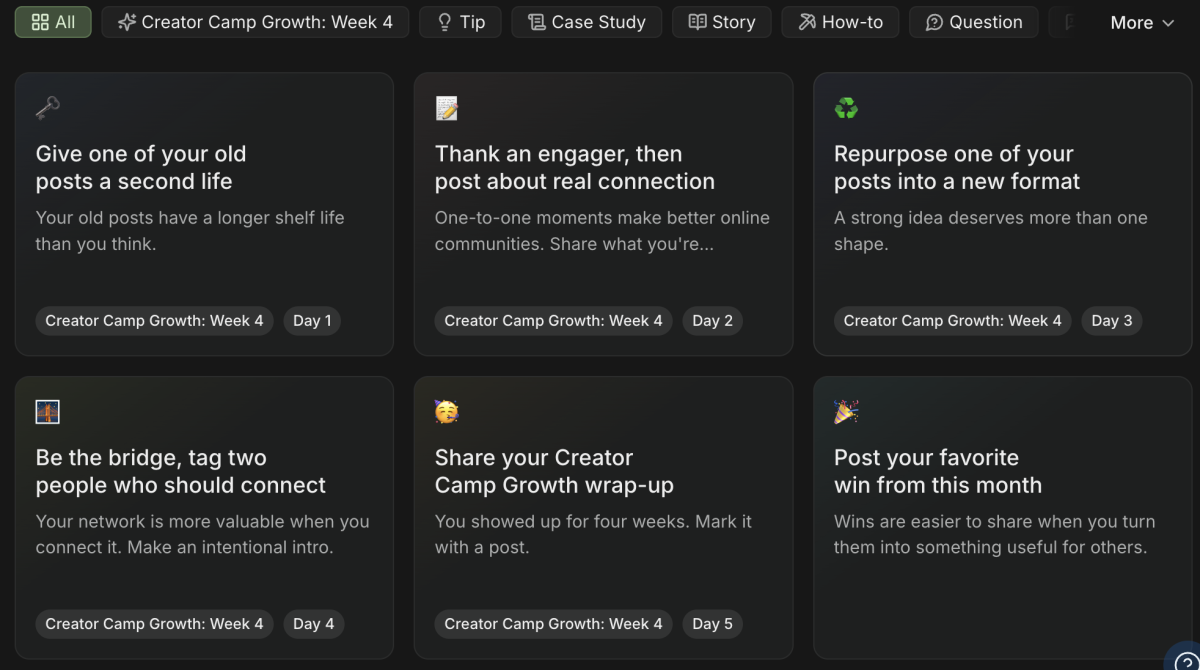
If you use Buffer for publishing down the line, it also cuts another extra tool out of your system. Just use Buffer for ideation, creation, and scheduling, all in one place. Good if you're already in Buffer daily and don't want a second login just for ideas.
02. Track the plan so ideas don't disappear
An idea with nowhere to live is an idea you'll lose. This step is just this: put every idea somewhere with a status (raw idea, scripted, in progress, published) so you always know what's next with no extra effort.
ClickUp: The best tool for idea & task management
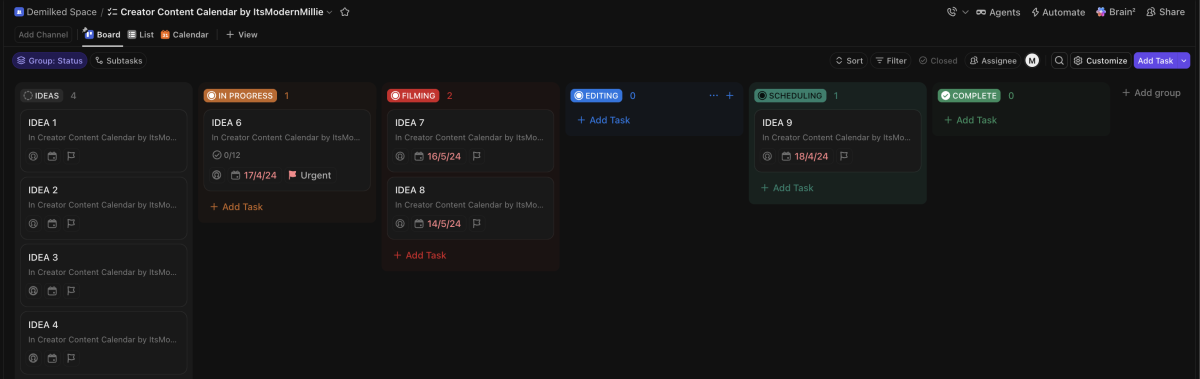
Turn your idea list into a real board: pillar, status, and next step, all in one view.
ClickUp works well here. Set up one simple board: pillars as categories, ideas as cards, a status for each. Takes 15 minutes to set up, saves you the “wait, what was I going to post again?” spiral forever.
We also found the perfect template for this board, so you’ll only have to click “Use template” and start ideating straight away.
03. Turn the idea into something real
This is where the idea becomes an actual post. How you do this depends entirely on what you make.
InVideo AI: Best tool for fast video ideation
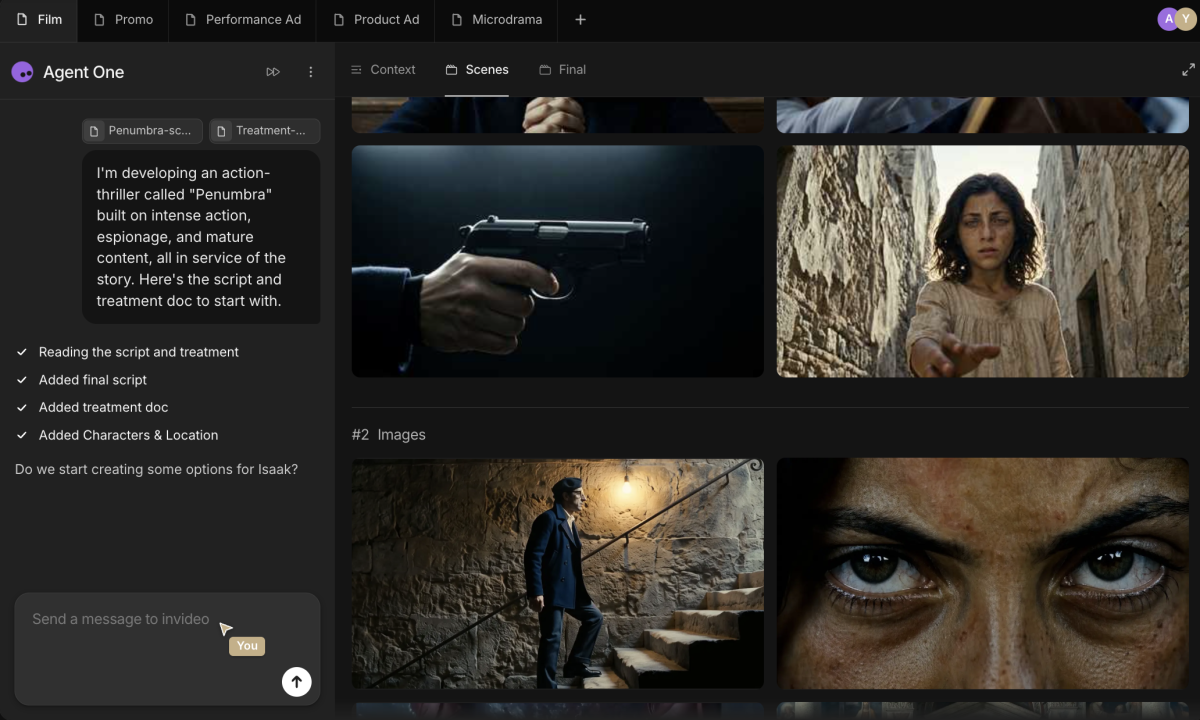
Turn a script or idea into a first video draft: fast, no filming required.
If you're a video creator who wants to move fast, InVideo AI can take a script or rough idea and generate a first video draft — useful for turning a backlog item into something postable without a full production day.
But not everyone here is making video with AI, and that's fine. If you write, this step is opening a doc and writing. If you shoot photos, it's your camera and Lightroom. If you design, it's Canva or Figma. The tool changes, the step doesn't: pick the next idea off your board, and go make it. The pillars, the tracking, the whole system up to this point works exactly the same no matter what you're producing, AI is a speed option here, not a requirement.
04. Build your evergreen idea bank
Even with pillars and a tracker, some weeks you'll come up dry on new ideas. That's normal — and it's exactly why you need a permanent backup list that never goes stale, no matter what you create.
This isn't tool-dependent. It's a short list of formats that work in any pillar, any format, any month:
The mistake post — something you got wrong, and what you'd do differently
The myth-bust — a common belief in your niche that's actually wrong
The FAQ roundup — answer the 5 questions you get asked constantly
The before/after — show the change, let the result do the talking
The "what I wish I knew" — the advice you needed starting out
Keep this list taped to your content board. When pillar ideas run dry, this is your net.
Missinglettr: Best tool for evergreen content
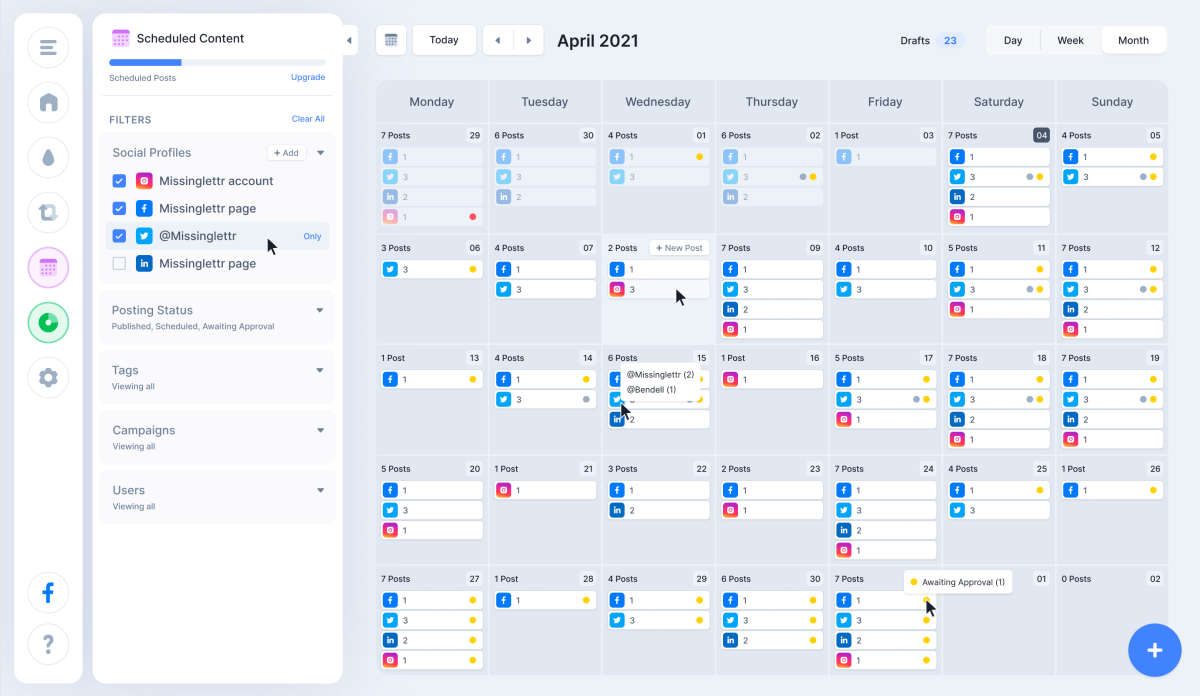
If you write or blog specifically, there's a tool worth adding here: MissingLettr takes your best evergreen posts and automatically resurfaces them as social content for up to 12 months. You write or film it once, it keeps working for you.
Feeds your best evergreen posts back into your social calendar for up to a year. No new writing required. , up to 12mo 90-day cookie on referrals
Putting the whole system together
Find your pillars → Semrush Topic Research, once a quarter
Generate + store ideas → ContentStudio or Buffer, pick one
Track the plan → ClickUp board, 15-minute setup
Make the thing → your usual tools, AI-assisted or not
Never run dry → your 5-format backup list, always available
You don't need all five tools running on day one. Start with pillars and a tracker — that alone kills 80% of the "what do I post" panic. Add the rest as you find the gaps.
With 5+ years in the creator, entertainment, and publishing spaces, Mia shortlists, reviews, and ranks leading tools that actually make your life easier.