vidIQ review: We tested the YouTube growth tool so you don't have to
We tested vidIQ on a real channel to find out if it actually grows your views and gets you monetized, or just gives you more dashboards to stare at.
This article contains affiliate links. If you purchase a tool through them, we may earn a commission — at no extra cost to you. It never influences our rankings or what we recommend.
The verdict
For a creator grinding toward the 1,000-subscribers / 4,000-watch-hours, vidIQ is worth it, because every wasted upload is wasted watch-time you'll never get back. vidIQ uses the official YouTube API, so it doesn't put your account at risk. The catch is that the free plan covers more than beginners expect, and the paid tiers only pay off once you're publishing consistently.
TLDR
Install the free extension first and try out SEO keyword research tool and AI thumbnail maker.
The YouTube growth suite with data-backed upload plan, analytics, and competitor analysis.
What is vidIQ?
vidIQ is a research and optimization tool, not a growth button. It won't make a bad video rank, and it won't get you monetized on its own. It will help you figure out what to make next, which titles and thumbnails have a chance, and why a competitor's video is beating yours.
Key features
vidIQ is less a single tool and more an in-depth hub of everything you could want for YouTube. Honestly, that's more than most creators need.
Thumbnail generator
AI generates title options and thumbnail concepts, with A/B testing to see what actually wins. Good for breaking a blank-page stall and worth running before you publish, but, as flagged earlier, the output is raw. Use it to brainstorm directions, then finish the thumbnail yourself. The A/B testing is the more valuable half here, since it's grounded in your own audience's behavior rather than a guess.

Keyword research tool: finding viral topics
VidIQ is one of the best keyword research tools on the market. The Research hub is the keyword and competitor engine. You get search volume and competition scores for any term, related-keyword suggestions, and full competitor analysis.
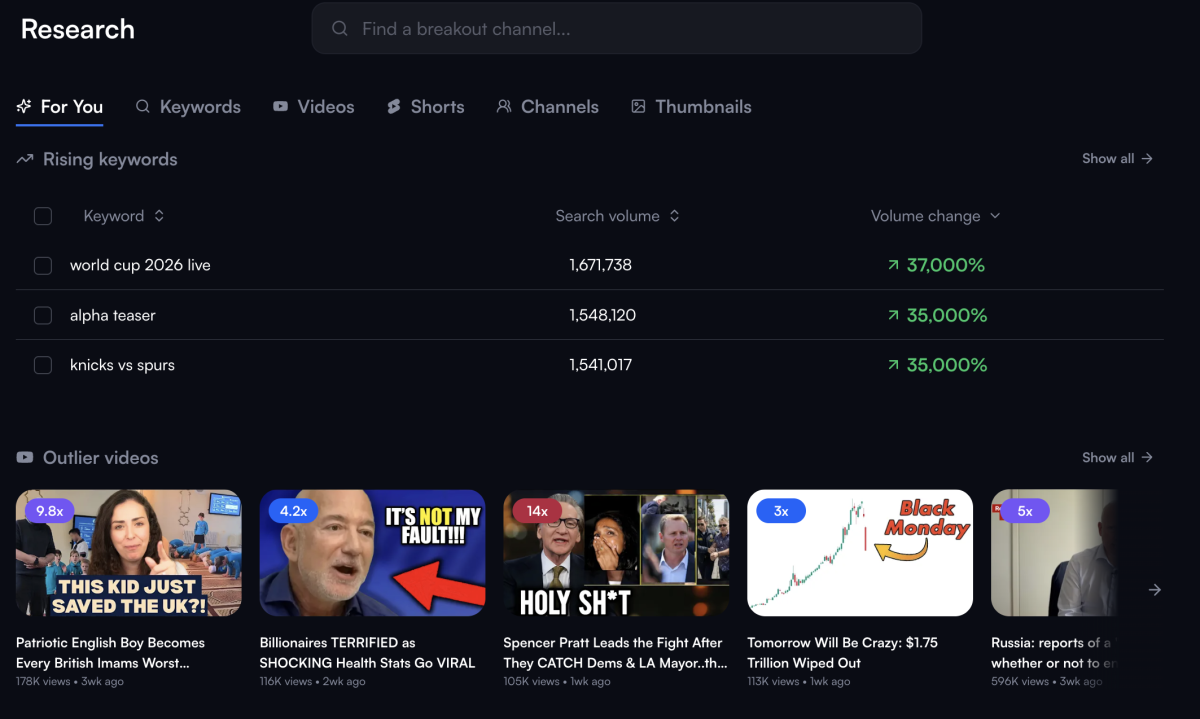
Add a rival channel and see its top performers and tag strategy. For a small channel, this is how you stop fighting saturated topics and start picking ones you can realistically rank for. It's also the backbone of the browser extension, which is the real time-saver: the data sits right on top of YouTube while you work, no tab-switching.
Feed: where ideas come from
The Feed is your personalized home base: AI-generated Daily Ideas, trend alerts, and "what to make next" suggestions tuned to your channel.
This is the standout. Daily Ideas predicts which video topics are about to take off in your niche before they peak, and suggests how to join the trend.
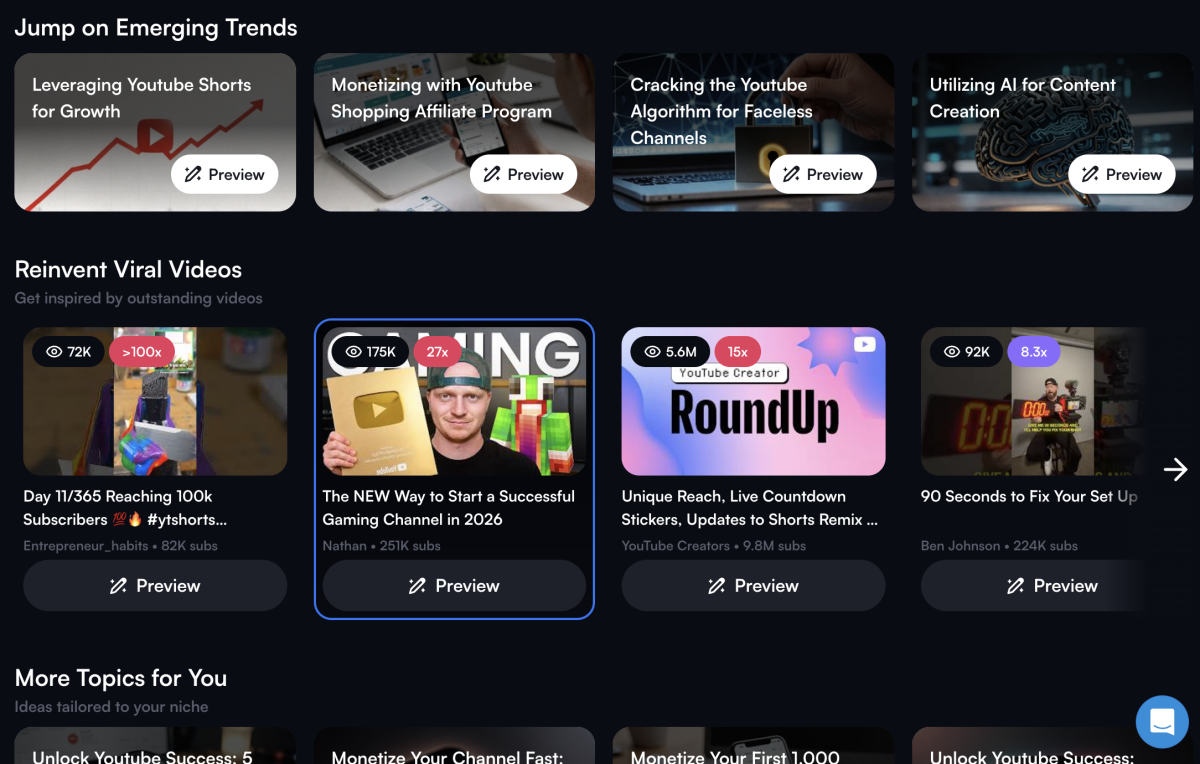
Two details make it creator-friendly: Daily Ideas is available on both the free and paid plans, and the free version isn't time-limited, so a small channel can actually run on it for a while before paying.
Optimize: make your content stand out
The Optimize hub is the "fix this" layer: the channel audit, plus per-video optimization for titles, tags, descriptions, and thumbnails.
The audit scans your channel and hands back a prioritized punch-list: for a pre-monetization creator, that's the fastest way to see what's actively holding you back. The AI title and tag generators are handy for brainstorming, though, as noted earlier, treat their output as a first draft rather than a finished asset.
The summary
The free tier is enough to get started and find your feet, Daily Ideas is the feature that earns vidIQ its reputation, and the paid hubs are worth it once you're publishing often enough to act on everything they surface.
Honorable mentions
A few smaller features don't carry the review on their own but are worth knowing about, especially if one of them happens to match your exact workflow.
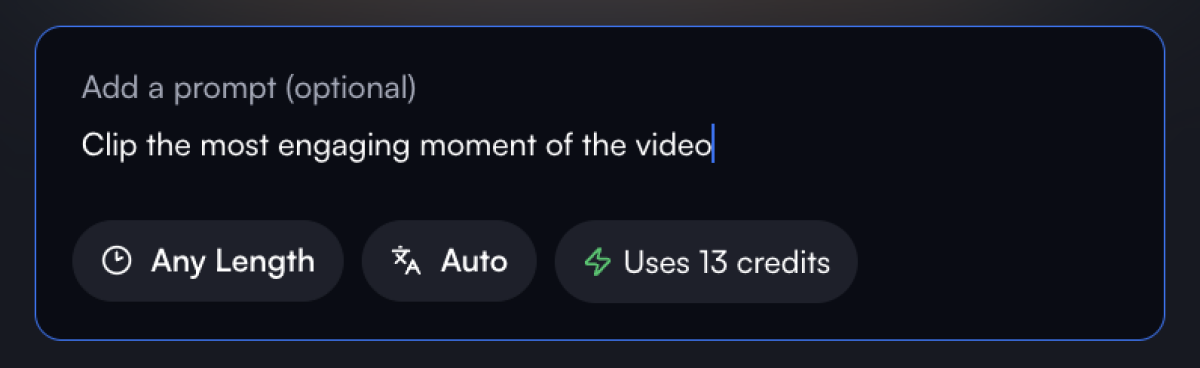
Clipping. vidIQ can turn a long video into short-form clips automatically, hunting for the moments most likely to land as Shorts or Reels. It's a great add-on if you're already publishing long-form and want to repurpose without opening a separate clipper. But like most AI clippers, treat its picks as a first pass and review each clip for hook and pacing before posting. Not a reason to choose vidIQ on its own, but a time-saver if you're in the long-to-short workflow.
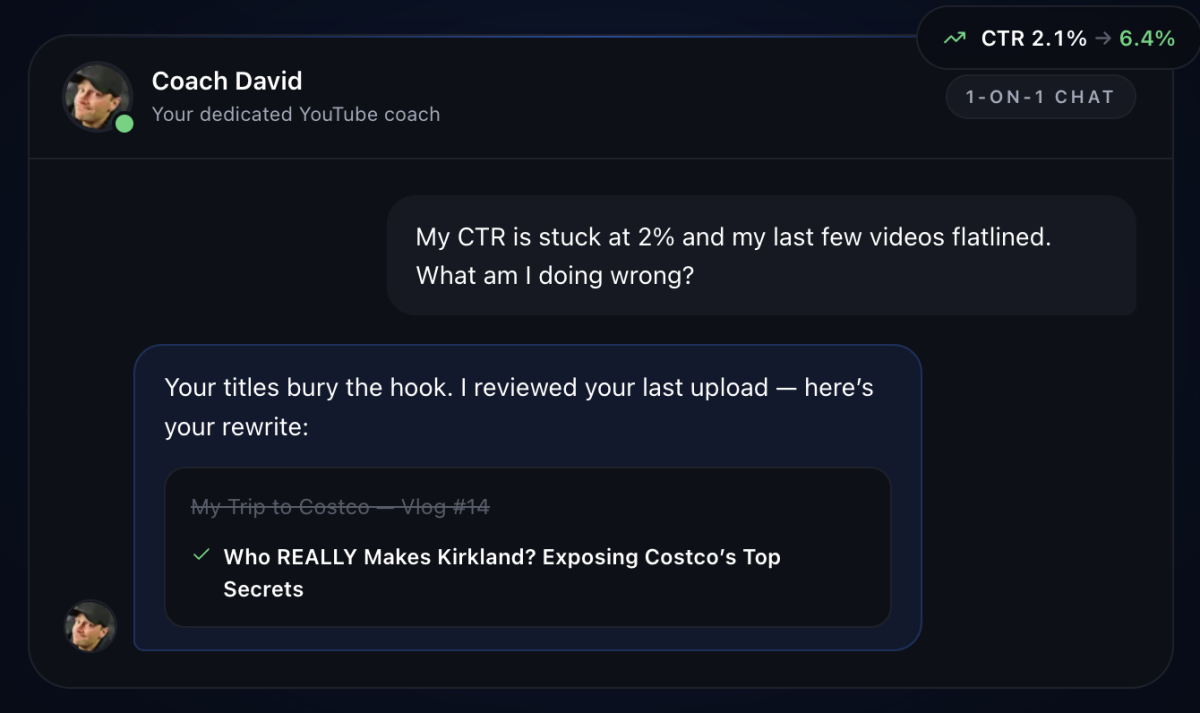
Coaching. This comes in two versions. There's an AI Coach baked into the chatbot that answers channel questions and nudges you toward next steps, and a separate Coaching plan that adds actual 1:1 guidance. The AI Coach is a useful sounding board; the paid human coaching only makes sense once YouTube is a real income stream and the advice pays for itself.
The browser extension: vidIQ's best free value
If there's one part of vidIQ worth installing today, it's the extension. It's the thing that makes vidIQ feel less like a separate app you log into and more like a layer of YouTube itself.
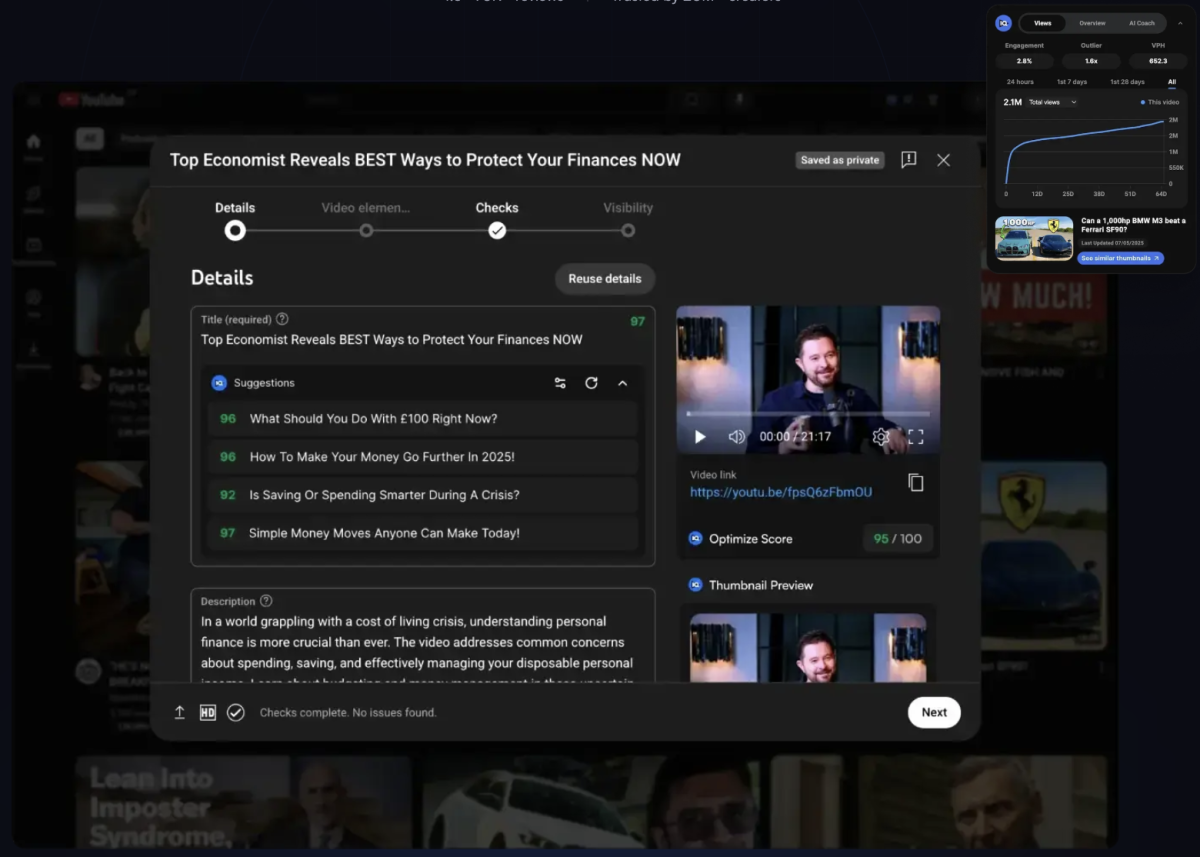
Once installed, it overlays data directly onto any YouTube page: your own or anyone else's. Open a video and you instantly see the metrics YouTube keeps hidden: views-per-hour, the keyword targets and tags it's ranking for, its SEO score, and how fast it's gaining traction.
Where the real value is: competitor teardown. Scrolling your feed, you can click any video that's outperforming yours and immediately see why: what it's targeting, how it's tagged, and whether it's still climbing or already cooling off. That single workflow is the fastest way to reverse-engineer what's working in your niche, and it's available on the free plan.
It also works on your own side. When you're writing a title, description, or tags in YouTube Studio, the extension scores your SEO in real time and suggests improvements before you hit publish, turning optimization from a guess into a checklist.
The experience itself will feel familiar. vidIQ leads with a chatbot-style interface: you talk to it, it talks back, and the core features sit in a menu below.
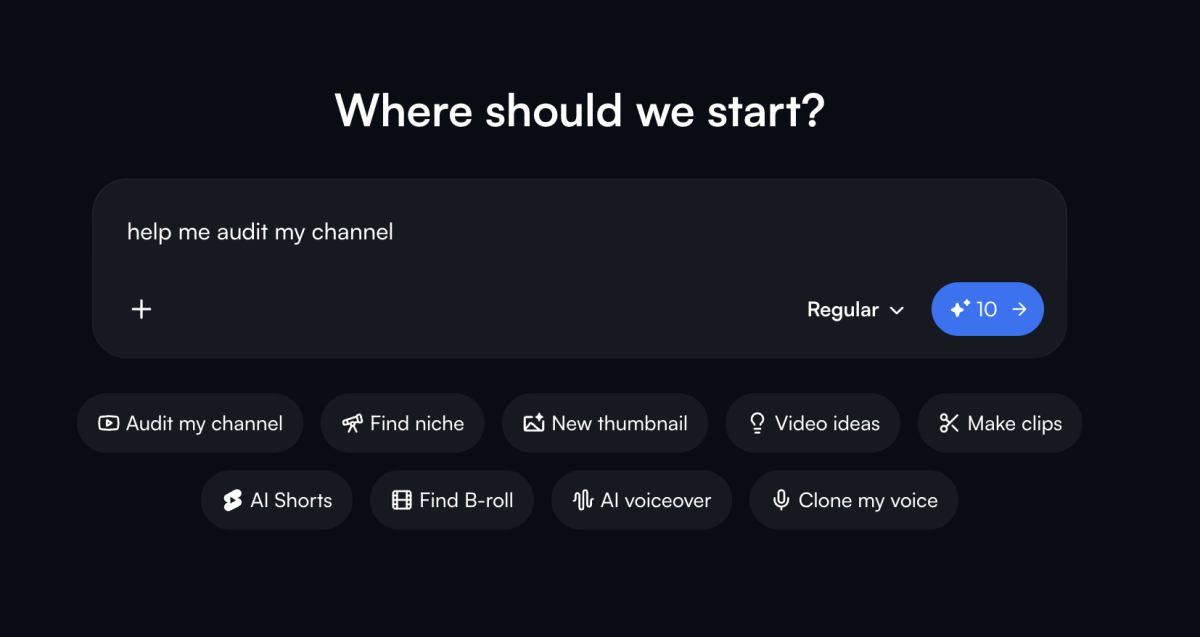
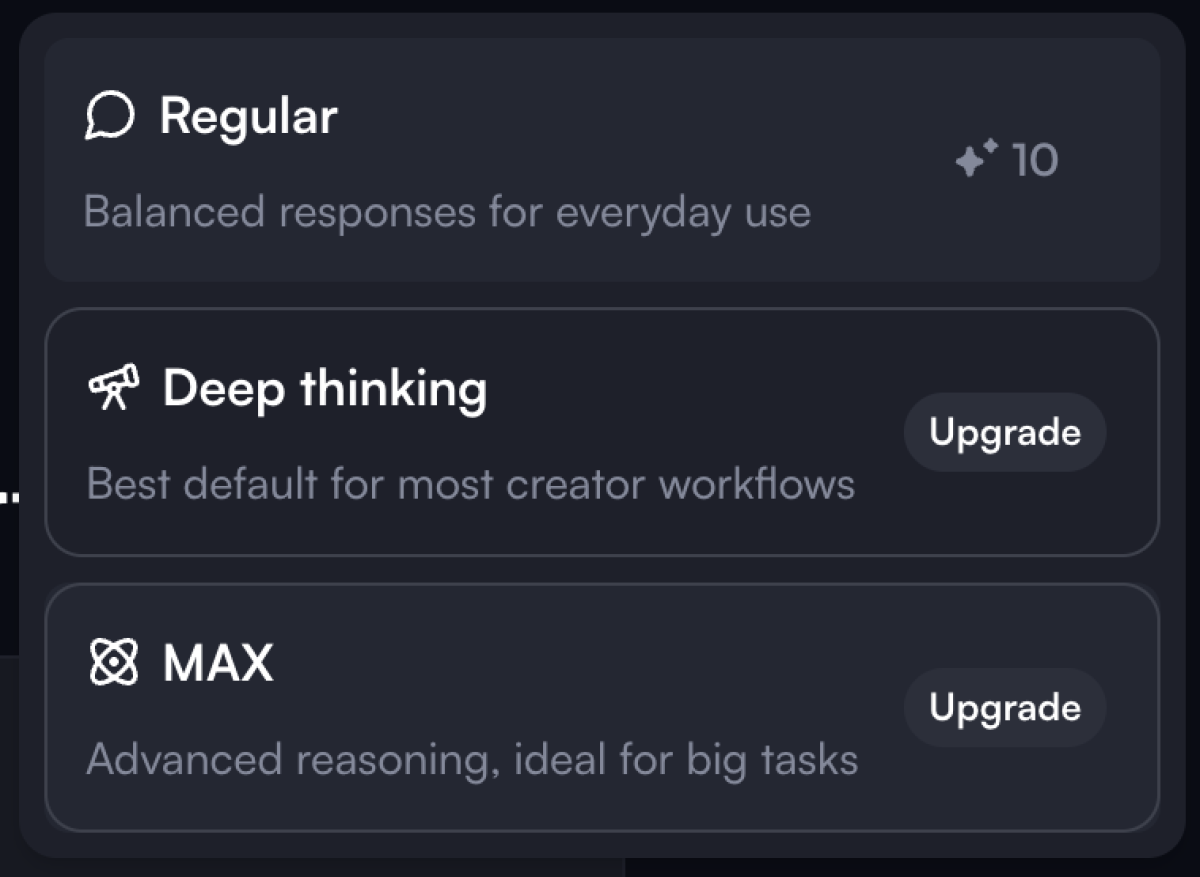
The free plan runs on a credit system (capped at 150 credits) and every task shows its credit cost before you run it, so there's no guessing what you're spending. As with most AI tools now, you can also choose different levels of reasoning depending on how much depth (and credit) a task is worth.
Pricing: How much does vidIQ cost?
vidIQ recently simplified its plans into three tiers (plus Enterprise), all built around a monthly AI Credit allowance. Every task tells you its credit cost up front, so you always know what you're spending. Here's the current structure:
Free | Top pick Boost | Max | |
|---|---|---|---|
| Price | $0 | $15/month | $39/month |
| AI credits/month | 150 | 2,000 | 6,000 |
| Niche trends + ideas | ✅ | ✅ | ✅ |
| AI Coach | Basic tips | Deep thinking | 3× convos + Max Mode |
| Thumbnails + optimization | ❌ | ✅ | ✅ |
| Unlimited trends + subscriber insights | ❌ | ✅ | ✅ |
| AI clip generation | ❌ | ❌ | ✅ |
| Who it's for | Beginners, under 1k subs | Mid-to-large creators aiming at monetization | Full-time, heavy uploaders |
Is vidIQ for you?
The honest answer depends entirely on where your channel is right now. Match yourself to a stage:
Just starting (under 1,000 subs). Yes — but only the free plan. Install the extension, run the channel audit, study competitors, and pour everything else into making better videos. Paying at this stage buys data you're not ready to act on yet.
Grinding toward monetization (1k subs, chasing 4,000 watch-hours). This is vidIQ's sweet spot. Pro or Boost earns its keep here, because the cost of a wasted upload (watch-time you'll never recover) is far higher than a subscription. Keyword research and Daily Ideas stop you publishing videos nobody's searching for.
Already monetized and scaling. Boost or Max, for deeper analytics, multi-channel support, and faster ideation. At this point the subscription is a rounding error against your revenue.
Casual or hobbyist creator. Stick with free. The overlay alone gives you more than most paid YouTube tools, and you'll never hit the limits that justify upgrading.
💡 The one-line test: if you're publishing at least once a week, vidIQ pays for itself. If you're not, the free plan is all you need — for now.
The YouTube growth suite with data-backed upload plan, analytics, and competitor analysis.
With 5+ years in the creator, entertainment, and publishing spaces, Mia shortlists, reviews, and ranks leading tools that actually make your life easier.